UTRANSIQO mobile app
Your teams act. Your operation stays in view.
Drivers, rental desk staff and conductors find their tasks on mobile. Managers follow the work in the company platform.
Your company must provide an account to access its workspaces.
Explore the full platform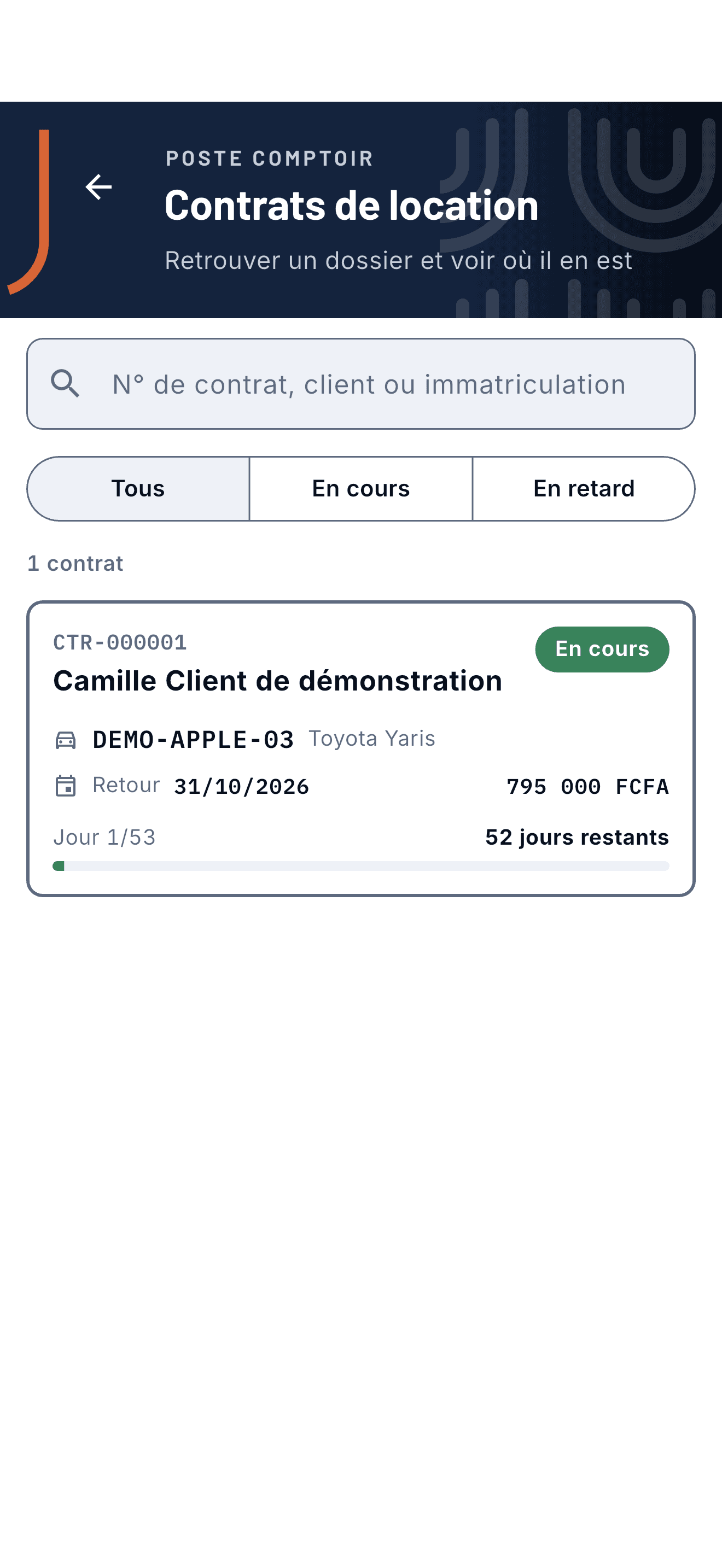
How it works
One operation, from office to field.
- 01
Prepare
In the platform, the company sets up access, vehicles and assignments.
- 02
Work
Each team member opens their mobile workspace and carries out their role-specific tasks.
- 03
Follow
Managers can review services, rental files and cash movements that need supervision.
By role
The right workspace for each person.
The company enables the modules it needs. Each team member sees the workspace for their role.
Driver
Sees assigned work and the information needed for a shift.
Rental desk
Follows rental files, vehicle departures and returns.
Conductor
Sells tickets, checks QR codes and manages shift cash.
See your operation in UTRANSIQO.
We show you the workflows that fit your business and your team.
Request a demo